Permanent license: Lite, Pro, and Enterprise are one-time software purchases. Annual maintenance is optional and controls future updates and assisted support—not continued use of purchased features.
1Open License settings
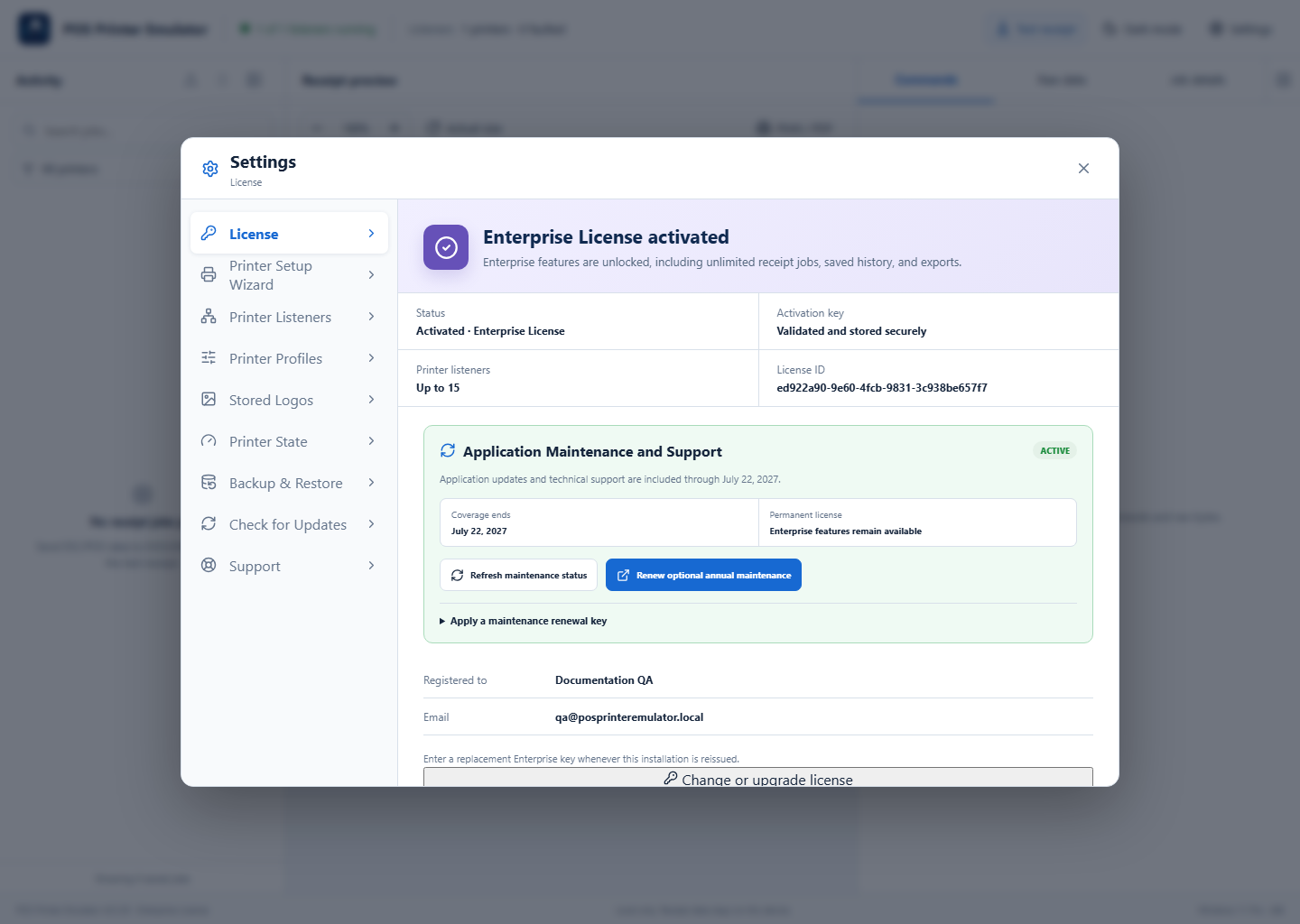
Select Settings → License. The page shows the current tier, account-link status, registered computer, listener allowance, and maintenance coverage.
2Link or change a license
Select Link This Computer. The application creates a short-lived, single-use code and opens the Customer Portal. Sign in to the verified account, review the computer, choose an eligible license, and approve the link. The application applies the license automatically without a reinstall.
3Review maintenance coverage
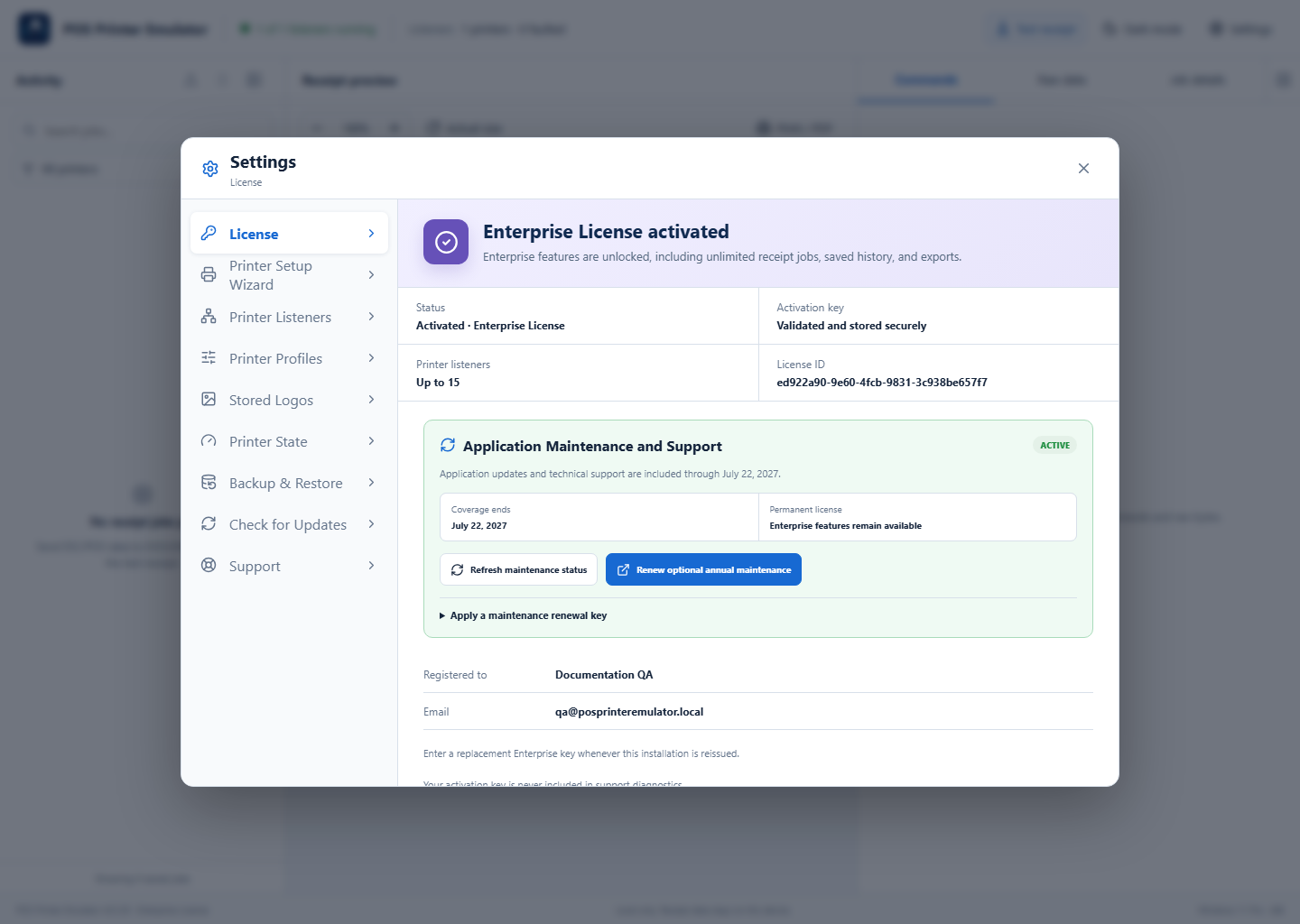
The maintenance card shows whether Check for Updates, account and device licensing assistance, and assisted support are active. Coverage changes synchronize automatically after renewal.
4Move a license to another computer
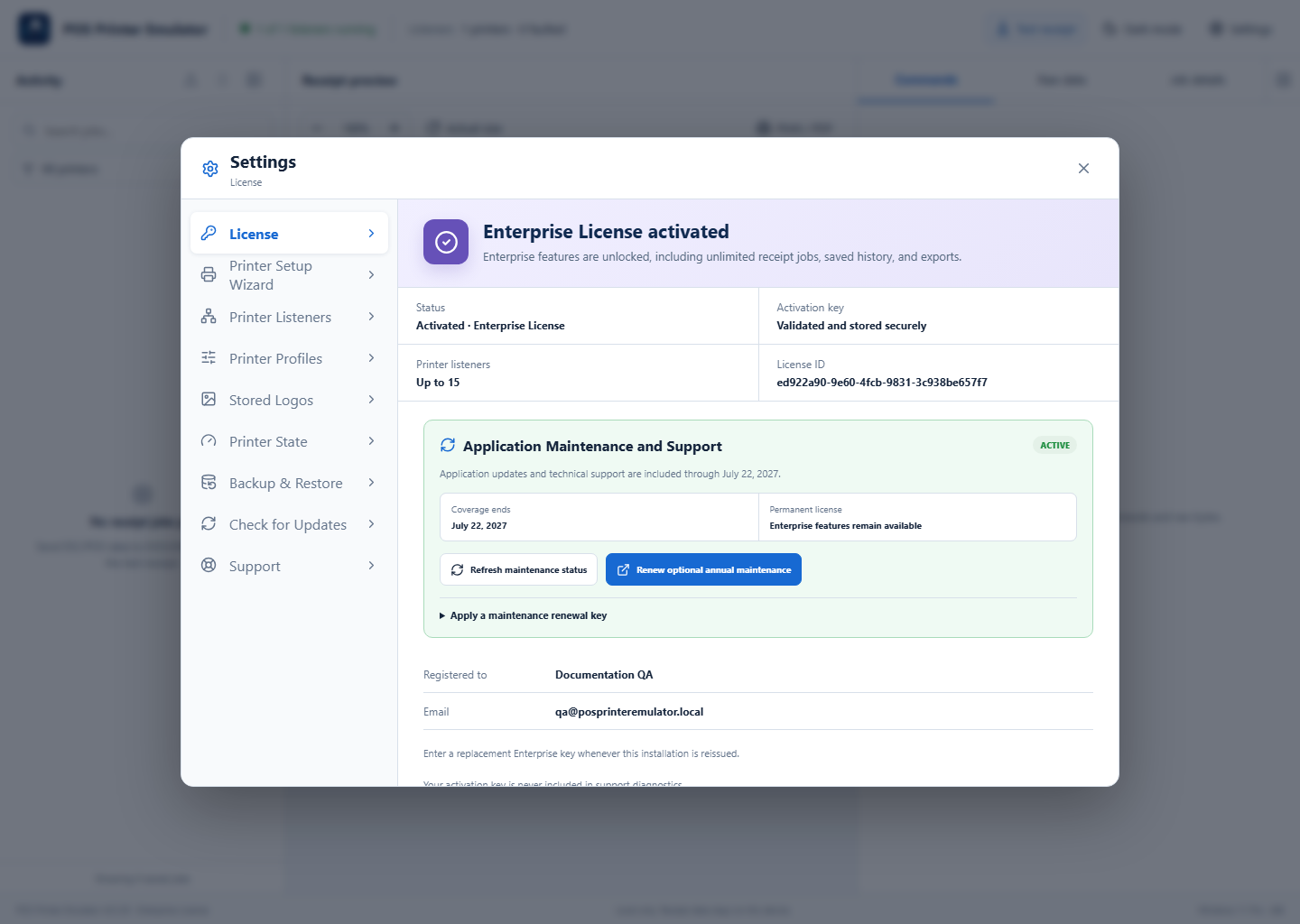
One paid license may be active on only one computer at a time. Sign in to the Customer Portal, open Computers, and deactivate the old installation before activating the new computer. Reinstalling the application does not create another Trial or another license entitlement.
License tiers at a glance
- Trial: five external POS jobs per local day, unlimited built-in Test Receipts, current-session history only, watermark, and paid tools locked. Eligible verified customers can request one separate five-day promotional evaluation.
- Lite: all paid receipt tools, including Copy Receipt as Image, with one Printer Listener.
- Pro: the paid toolset with up to two Printer Listeners.
- Enterprise: up to 15 Printer Listeners plus the Enterprise-only Standard Development Diagnostics Report and Advanced Diagnostics Package.
Purchase and account management
Choose a license on the public pricing page, then sign in or create an account in the Customer Portal to complete the purchase. The portal displays purchases, licenses, registered computers, Maintenance and Support dates, downloads, and support requests.
If account linking does not work
- Confirm that the Customer Portal email address is verified and that the license appears under Licenses.
- Deactivate an old computer before moving a one-computer license to a replacement.
- Open Settings → Support to run local diagnostics, then submit a support request if account or computer verification still fails.